

 DVI cable and adapter
VGA cable and adapter
AV cables
cable without plugs
AUX cable
AV cable
B&O audio cable
Multi channel audio cable
Subwoofer audio cable
Turntable audio cable and plugs
Analogue audio distribution and convertion
Colored ethernet cables
Power cable without connectors
Power connector / plug
Power adaptor
Low voltage DC cable, plug and adapter
12V trigger cable
DC cables
Solar cables
DC plugs
SATA power cable
Molex power cable
Remote control
DVI cable and adapter
VGA cable and adapter
AV cables
cable without plugs
AUX cable
AV cable
B&O audio cable
Multi channel audio cable
Subwoofer audio cable
Turntable audio cable and plugs
Analogue audio distribution and convertion
Colored ethernet cables
Power cable without connectors
Power connector / plug
Power adaptor
Low voltage DC cable, plug and adapter
12V trigger cable
DC cables
Solar cables
DC plugs
SATA power cable
Molex power cable
Remote control
|
||||||||||||
|
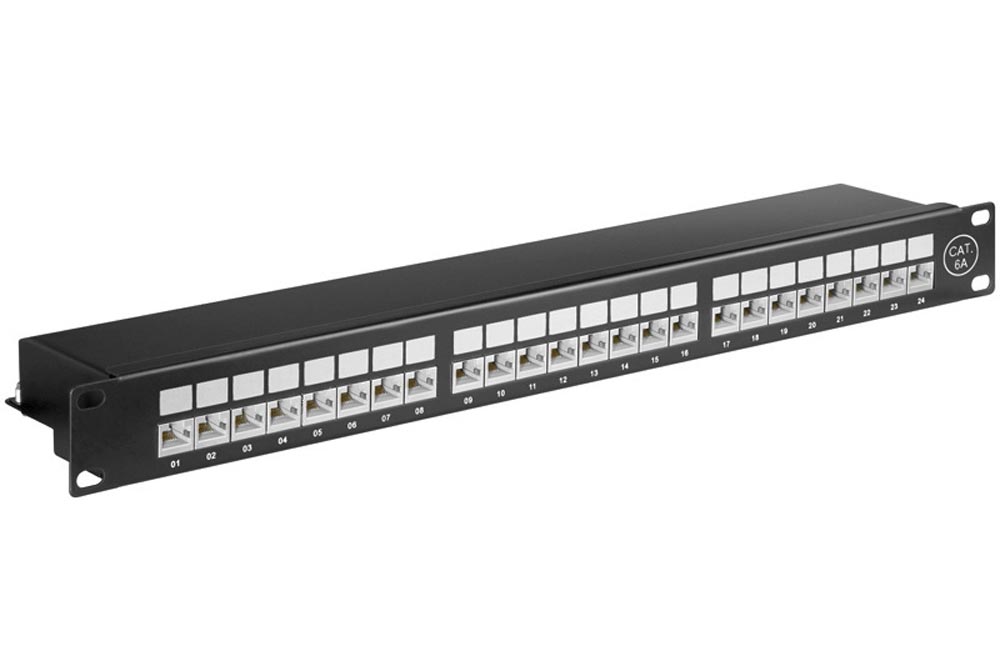
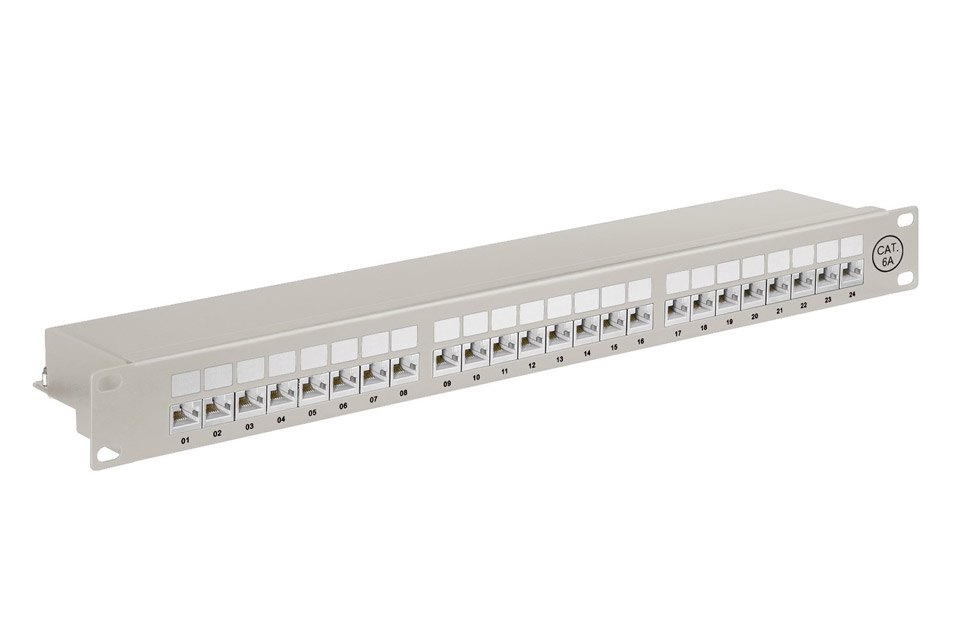
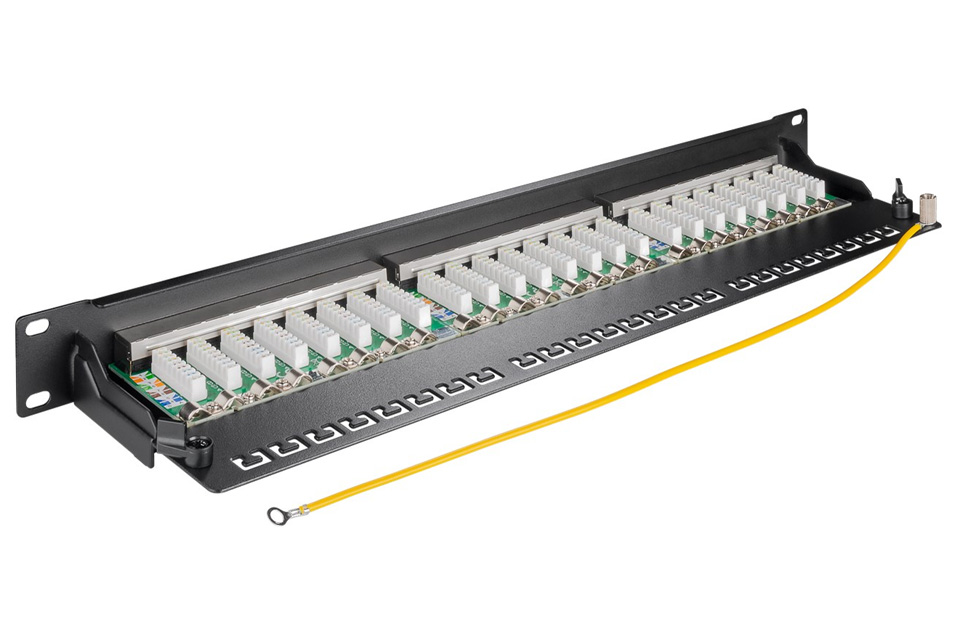
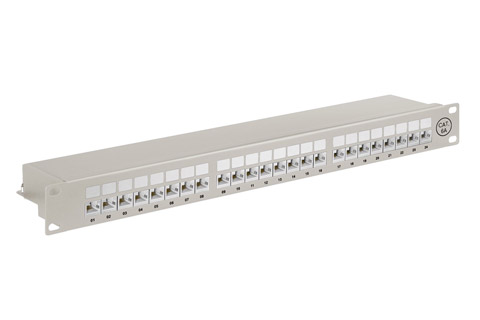
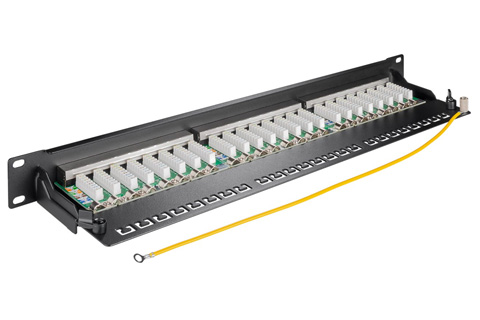
A network patch panel is used for connecting the raw network cabels in a joint network wiring closet to easily connect the connections to a networks switch.
In a professional network installation in your home or business, you usually install networks wallmounts in every room, in order to connect computers, systems and so on in an easy way in a hidden installation. The opposite end, where the network wall socket is, you install the cable in a patch panel, which thus contains all of the cables from the entire installation.  From the patch panel, regular patch cables in the respective standard (CAT 5e, 6 and 6a - shielded or unshielded) are routed on to a networks switch. The smart thing is that you can always easily move the connections around easily, without the need for messing with the installation itself. The actual installation of the raw cables in the network installation is done with a LSA pliers, where each conductor is easily clicked/clipped into the patch panel.
Brand description - Goobay
Manuals and user guides for Goobay productsWhen purchasing a Goobay product, a user guide or instruction is usually provided in the following languages: German, English. Unfortunately we cannot guarantee that a printed manual / user guide is included in the product box, but most often it can be found on the manufacturer´s website. 








































   ALL PRICES ARE INCL. 25% DANISH VAT/TAXAV-Connection A/S • VAT no.: DK27907547 • Kaervej 71-73 • 6400 Soenderborg • Denmark • Tel. +45 7442 1078 • E-mail: [email protected] © Copyright AV-Connection A/S. All images and texts on the website are copyrighted and any copying without specific permission is prohibited. Copying and photographing of the website with sales in mind is prohibited under sections 1 and 2 of the Copyright Act. Parties who do not comply with this will be required to pay compensation and be prosecuted in accordance with section 38.
| ||||||||||||


 HIFI STEREO