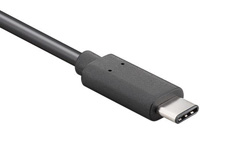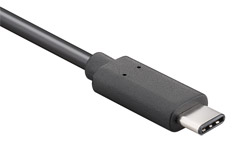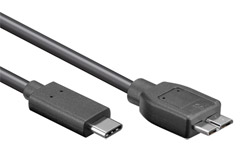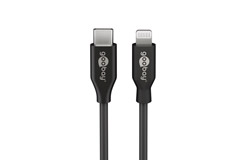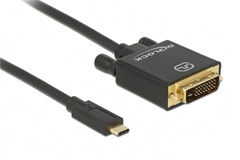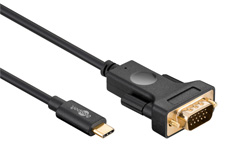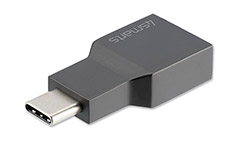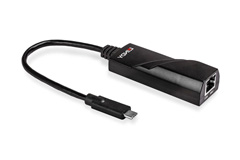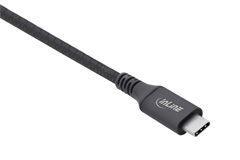


USB-C is today the leading standard for cables and connectors used for charging, data transfer, audio, and video. USB-C is widely used on smartphones, tablets, laptops, monitors, docking stations, power banks, and many other modern electronic devices. One of the biggest advantages of USB-C is that it combines multiple functions into a single cable, reducing the need for different connector types such as USB-A, Micro USB, Mini USB, and proprietary chargers. It is important to note that USB-C only describes the physical connector and does not automatically define speed, power, or functionality. Two USB-C cables may look identical but offer very different performance levels. USB-C is designed to be future-proof and supports a wide range of protocols including USB 2.0, USB 3.2, USB4, DisplayPort, HDMI, and Thunderbolt. The reversible design ensures that the connector can always be plugged in correctly, making USB-C easy and convenient for everyday use.
USB-C has transformed the way electronic devices are charged by supporting significantly higher power levels than previous USB standards. A standard USB-C cable can deliver up to 60 W at 3A, while full-featured USB-C cables can handle up to 100 W at 5A. This makes USB-C suitable for charging everything from smartphones and tablets to laptops and monitors. With USB Power Delivery, voltage and current are negotiated automatically between the charger, cable, and device, ensuring safe and efficient charging at all times. USB-C Power Delivery allows one charger to power multiple devices, offering both convenience and space savings. Many modern laptops charge exclusively via USB-C, eliminating the need for bulky power adapters. USB-C fast-charging cables are often built with thicker conductors and include E-marker chips that ensure correct cable identification and supported power levels.
• USB-C with USB 2.0, up to 480 Mbit/s, primarily used for charging and basic data connections
• USB-C with USB 3.2 Gen 1, also known as USB 3.0 or USB 3.1 Gen 1, up to 5 Gbit/s, suitable for external drives and everyday data transfer
• USB-C with USB 3.2 Gen 2, also known as USB 3.1 Gen 2, up to 10 Gbit/s, ideal for fast storage devices and modern USB-C hubs
• USB-C with USB 3.2 Gen 2x2, up to 20 Gbit/s, requires a full-featured USB-C cable and compatible devices
• USB-C with USB4, up to 20 Gbit/s or 40 Gbit/s depending on implementation, optimized for advanced docking stations and display setups
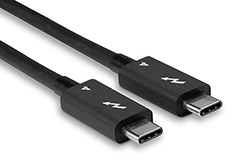
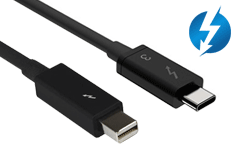
• USB-C with Thunderbolt 3 or Thunderbolt 4, up to 40 Gbit/s, maximum performance for professional workflows, multiple displays, and ultra-fast data transfer
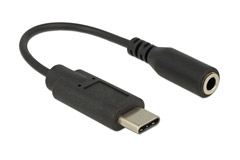
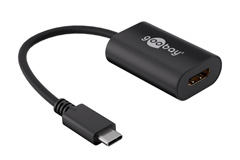
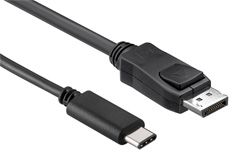
USB-C is not limited to charging and data transfer, it can also carry audio and video using so-called Alternate Modes. This allows USB-C to transmit DisplayPort and HDMI signals directly through the cable without the need for separate video cables. With the right USB-C cable, you can connect an external monitor, TV, or projector directly from your laptop or tablet. Many USB-C monitors also support charging the connected device via USB Power Delivery, enabling both power and video through a single cable. USB-C is widely used in docking stations and hubs, where one USB-C connection can provide access to multiple displays, network connections, USB devices, and audio outputs. This makes USB-C ideal for both home offices and professional work environments.
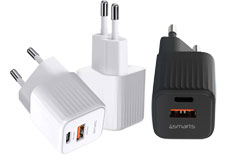
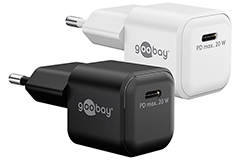
GaN technology, Gallium Nitride, plays an increasingly important role in modern USB-C chargers. Compared to traditional silicon-based chargers, GaN is far more efficient and capable of handling higher power levels in a smaller form factor. This allows GaN USB-C chargers to deliver high Power Delivery output in a compact and lightweight design. GaN chargers are especially popular for laptops, smartphones, and tablets, where fast charging is required without bulky power supplies. The improved efficiency reduces heat generation and energy loss, increasing both safety and lifespan. Many GaN chargers feature multiple USB-C ports and often combine USB-C and USB-A outputs, allowing a single charger to power multiple devices at the same time. GaN technology is therefore a key component of the future of USB-C charging.
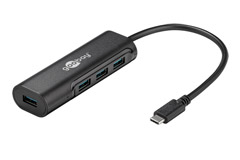
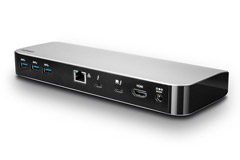
USB-C has made it easier than ever to build flexible and efficient workstations. With a USB-C hub or docking station, a single USB-C port can be expanded into multiple USB ports, HDMI or DisplayPort outputs, network connectivity, and charging. When you connect your laptop using one USB-C cable, your entire setup becomes instantly available. At the same time, the laptop is charged via USB Power Delivery. USB-C docking stations are available in many variations, from simple hubs to advanced Thunderbolt docks that support multiple displays and high data throughput. Choosing the right hub or dock depends on your computer’s USB-C or Thunderbolt capabilities.
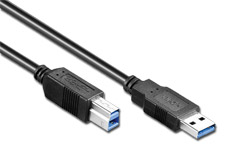
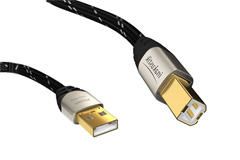
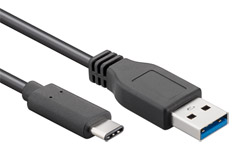
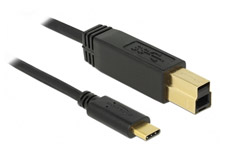
Although USB-C is the new standard, many devices still rely on USB-A ports. As a result, USB-C to USB-A cables and adapters remain widely used. USB-C is backward compatible with older USB versions, but correct functionality depends on the selected cable. Not all USB-C cables support fast charging, video output, or high data speeds. Cable length, build quality, and internal design all play a significant role in performance and stability. By choosing the right USB-C cable together with a compatible GaN charger, you ensure optimal charging, fast data transfer, and maximum flexibility. USB-C is not just a trend, it is the long-term solution for modern and future electronics.