AV-Connection Logo
Outlet, returned and demo goods by AV-Connection
New products at AV-Connection
Cable guide button
REVIEWS
BRANDS
VIDEO CABLES Drilldown arrow icon AUDIO CABLES Drilldown arrow icon USB CABLES Drilldown arrow icon NETWORK Drilldown arrow icon POWER Drilldown arrow icon ANTENNA Drilldown arrow icon DATA CABLES Drilldown arrow icon LINK CABLES Drilldown arrow icon CABLE, PLUG AND ACCESSORIES Drilldown arrow icon CABLE AND CONNECTOR BRANDS Drilldown arrow icon
THUNDERBOLT CABLES

Thunderbolt cables, adapters and docking stations (docks), both legacy Thunderbolt 2 cables, Thunderbolt 3 and 4 cables with USB-C connectors. SEE MORE icon

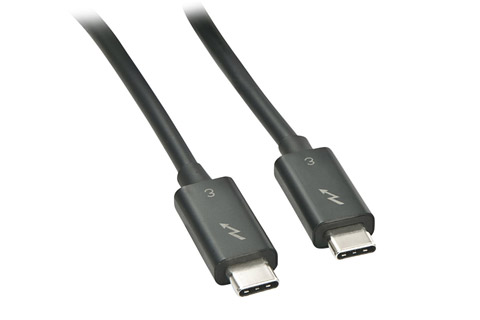
Lindy
Thunderbolt 3 kabel, sort
Thunderbolt 3 cable
From 37 EUR

100 W

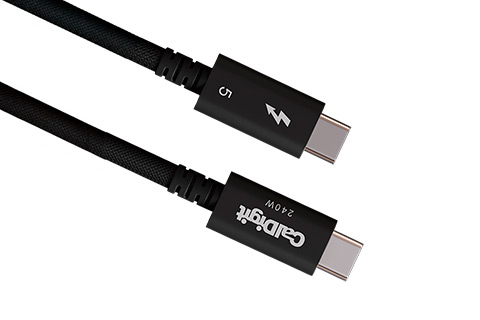
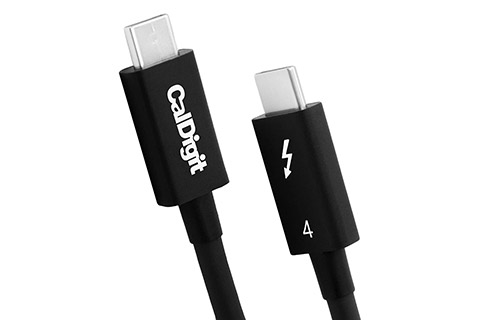
CalDigit
Thunderbolt 4 cable
CalDigit Thunderbolt 4 cable
From 37 EUR
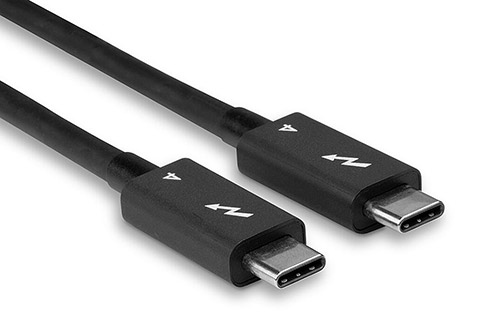
Lindy
Thunderbolt 4 cable
Thunderbolt 4 cable
From 61 EUR
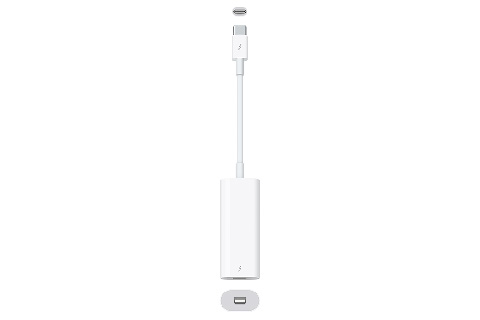
Apple
MMEL2ZM/A Thunderbolt 3 til Thunderbolt 2
Apple USB-C til Thunderbolt 2 adapter (MMEL2ZM/A)
 66 EUR
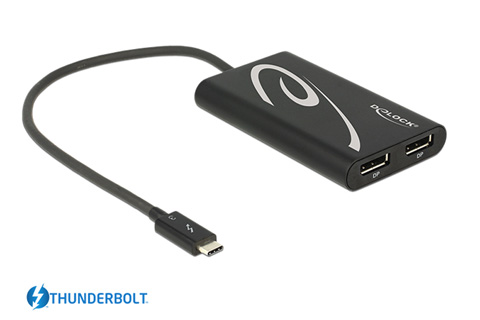
DeLOCK
Thunderbolt 3 til 2 x Displayport adapter
DeLOCK Thunderbolt 3 to Displayport converter
 97 EUR
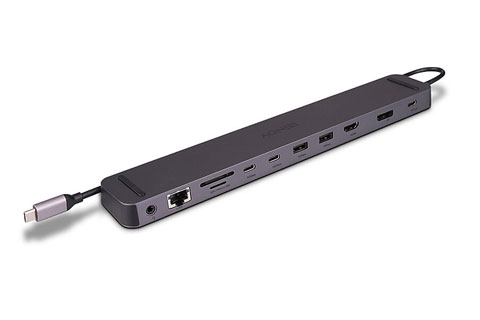
HAMA
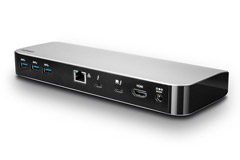
USB-C Dockingstation
HAMA USB-C Dockingstation
 121 EUR
Lindy
USB-C docking DST Mini med 100W PD opladning
USB-C docking DST Mini (100W PD)
 146 EUR

100 W

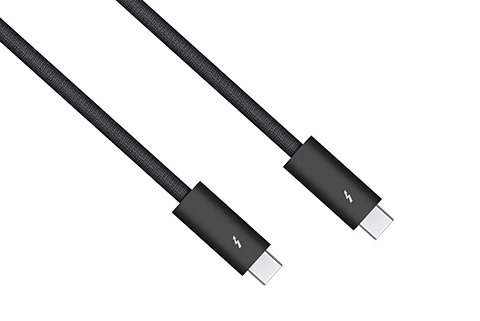
Apple
MN713ZM/A Thunderbolt 4 Pro cable
Apple Thunderbolt 4 Pro cable
From 168 EUR

100 W

CalDigit
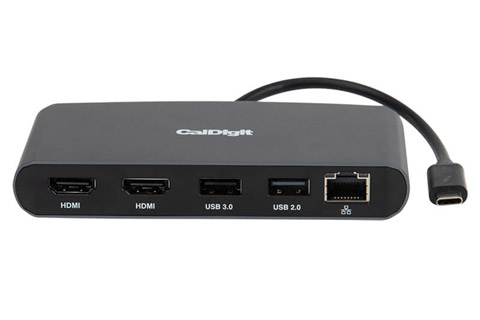
Thunderbolt 3 mini dock with dual HDMI
CalDigit Thunderbolt 3 mini dock (USB C – 2x HDMI, RJ45, USB)
 181 EUR
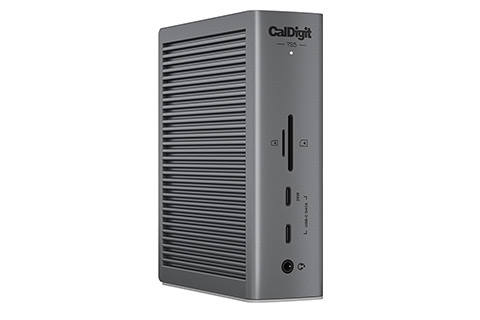
CalDigit
Thunderbolt 3 Plus, front
CalDigit TS3 Plus Thunderbolt Station 3 Plus
 322 EUR
CalDigit
Thunderbolt 4 Element hub
CalDigit Thunderbolt 4 Element hub
 334 EUR
Rating star Rating star Rating star Rating star Rating star
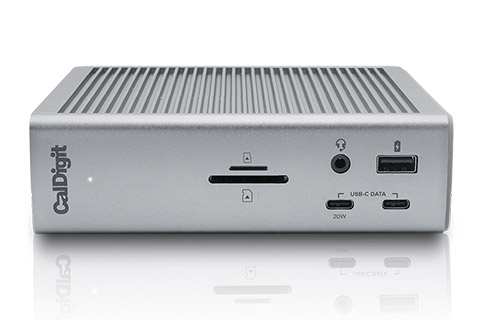
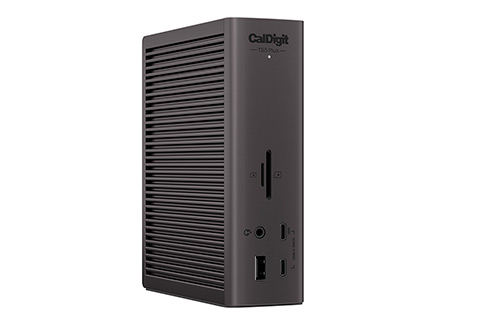
CalDigit
Thunderbolt Station 4 - Front
CalDigit TS4 Thunderbolt Station 4
 521 EUR

Thunderbolt cables

Thunderbolt is a connection technology for transferring both image and data signals in one and the same cable. Over time, the Thunderbolt standard has evolved from using connectors of the same type as Mini Displayport (Thunderbolt 1 and 2) to now having USB-C connectors (Thunderbolt 3 and newer).

The big advantage of Thunderbolt connections is that you can connect a Thunderbolt docking station/hub or monitor with just a single cable. For example at the fixed workstation for the laptop, where the fixed connections to peripheral devices (screen, keyboard, network, etc.) are connected to the dock. This is the same as with USB-C hubs and docking stations.

Thunderbolt 3

Cables for the Thunderbolt 3 protocol with USB-C connector, typically for connecting a monitor. Thunderbolt version 3 handles speeds up to 40 Gbps (5 GB/sec) and supports 4K 120 Hz or 5K at 60 Hz.

Thunderbolt 4

Cables for the Thunderbolt 4 protocol with USB-C connector, typically for connecting a monitor. Thunderbolt 4 handles speeds up to 40 Gbps (5 GB/sec) and supports two 4K displays or one 8K at 60 Hz.

Which connectors use Thunderbolt?

Thunderbolt 1 and 2 use Mini Displayport connectors, but note the general. Mini DP cables cannot be used for connecting Thunderbolt, as it requires special electronics in the connectors and cable certification.

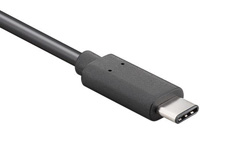
Thunderbolt 3 and 4 connections, like USB4, use only USB-C connectors. The reason why only USB-C connectors can be used and not the other different versions of USB (USB-A and USB-B connectors) is that they cannot handle the amount of data required by the Thunderbolt 4 specification. Likewise, here it is required that the cables are certified for Thunderbolt in a given version before they can be used for the purpose.

Arrow down icon

OTHER CATEGORIES FOR USB CABLES

MORE INFO ABOUT THUNDERBOLT CABLES

Thunderbolt is the name of a high-speed cable technology, originally developed by Apple and Intel, as a competitor to USB 3.0 (now USB 3.2). During the development phase, the standard was names Light Peak, as it was originally intended for an optical cable type. Closer to launch, the name was changed to Thunderbolt and the cable type to ordinary data cables, as copper technology was eventually good enough to support the high speeds. Thunderbolt cables are designed to connect electronic devices to each other for high-speed data transfer, in the form of both an image signal such as Displayport video, and a PCI data signals in the same cable. This meaning that you can connect everything from external hard drives to monitors via Thunderbolt if they support it.


The Thunderbolt cable standard is designed to deliver a high bandwidth and extremely high speed from the start of 10 Gbps. per second, and has potential at 100 Gbps over time via optical cables, but e.g. at "just" 10 Gbit / sec. you can transfer data amount equal to a full-length Blu-ray movie in just 30 seconds. The technology used also allows for smaller plugs and longer cable runs than for example traditional USB cables. Thunderbolt connections are backwards compatible with the Displayport 1.2 standard.

• Apple was the first to start using Thunderbolt for their new Mac products, read more about Thunderbolt at Apple.
• Read more about the Thunderbolt standard on Wikipedia.
4smarts Apple Atlona AV-advance Brennenstuhl Cabelcon CalDigit Clicktronic DeLOCK D-Link Easy-Connect eSTUFF Goobay iFi Audio Inakustik InLine Inogeni JMV Cables Lindy LK Macab Maximum Neutrik Norlys TV One For All ProXtend Radial Real Cable Sinox Skross Strong SUPRA Televes Triax Vivolink Wago
CUSTOMER SERVICE
WEBSHOP INFO
• Payment
• Login
NEWS AND EVENTS
• Newsletter
SHOPS
• Webshop
Trustwave - Trusted Commerce Postnord DPD DHL FedEx
MasterCardVISAKlarna

ALL PRICES ARE INCL. 25% DANISH VAT/TAX

AV-Connection A/S  •  VAT no.: DK27907547  •  Kaervej 71-73  •  6400 Soenderborg  •  Denmark  •  Tel. +45 7442 1078  •  E-mail: [email protected]

arrow_upward shopping_basket