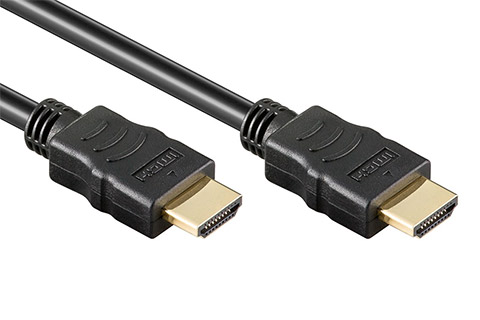
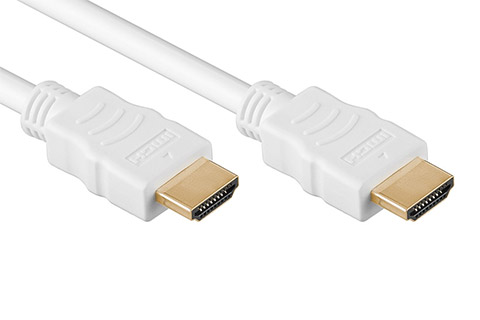
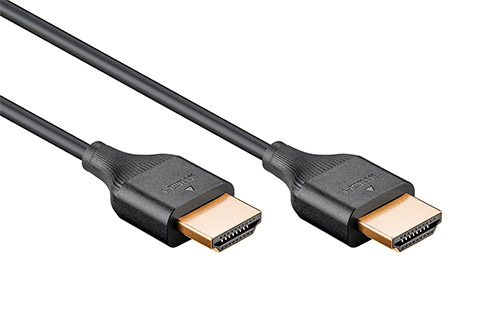
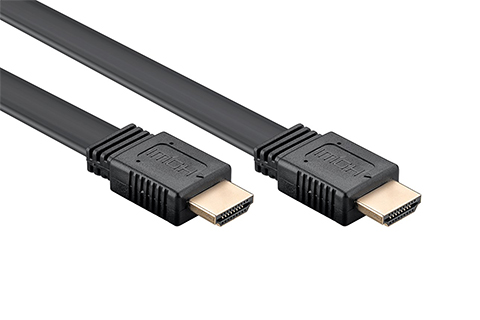
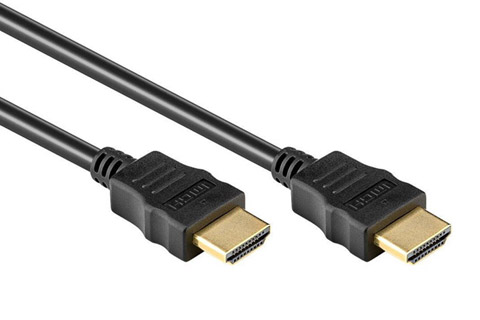
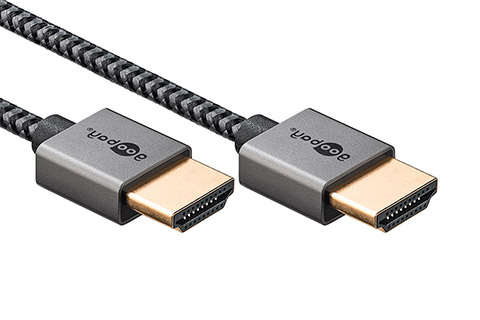
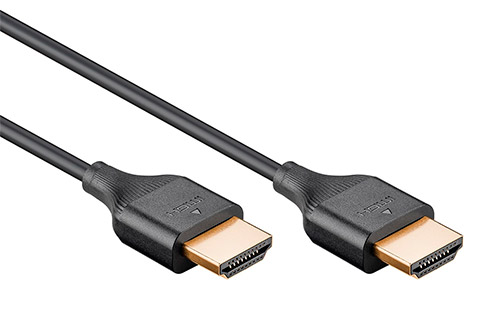
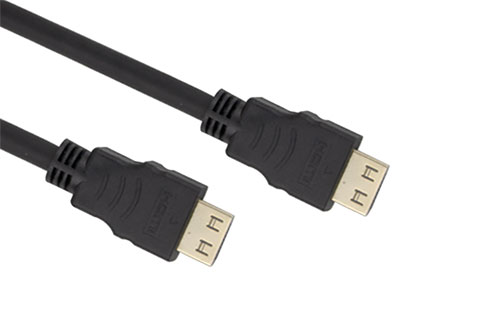
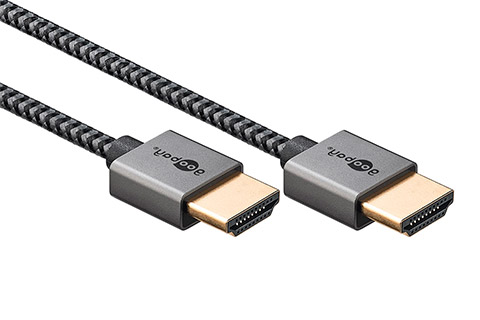
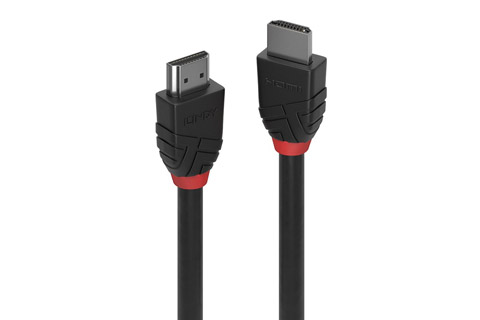
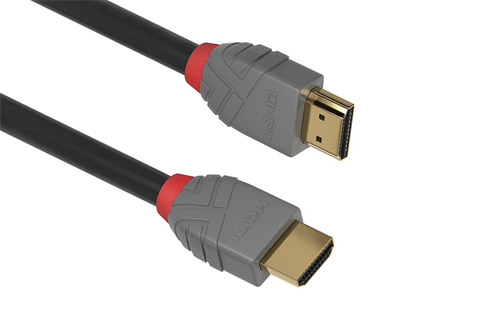
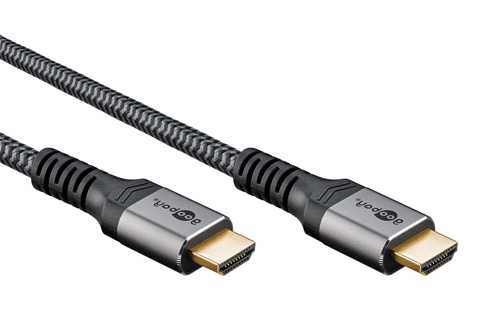
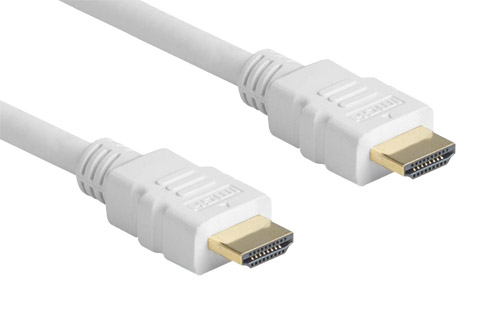
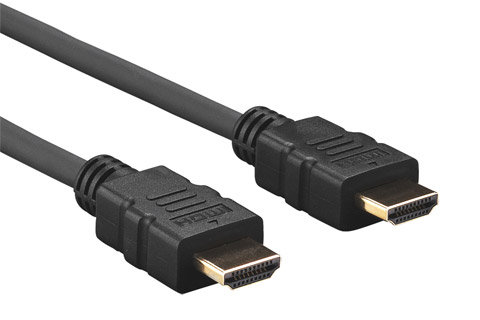
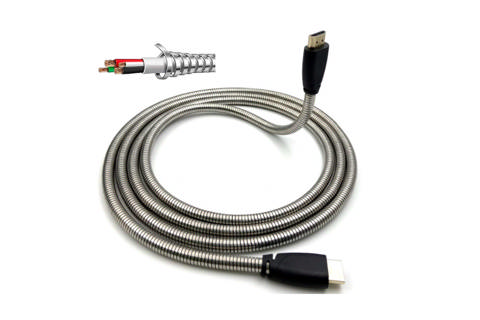
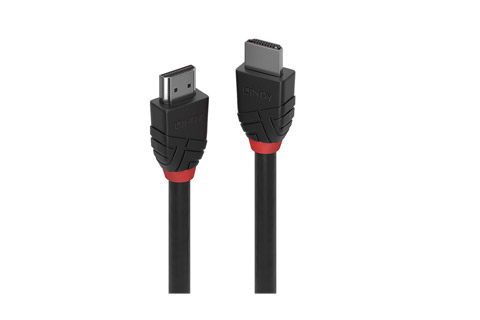
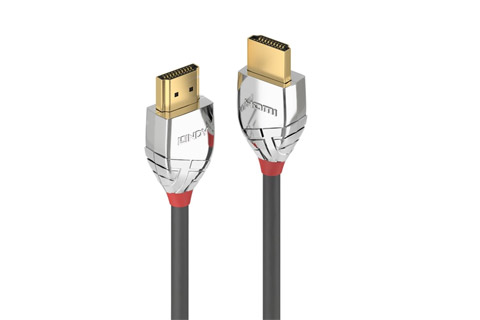
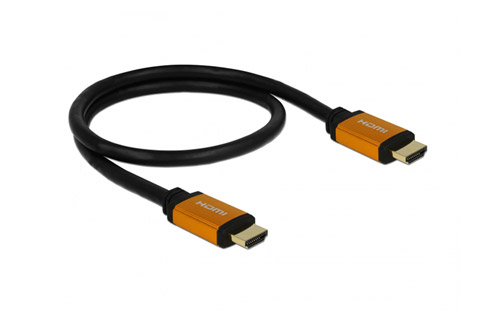
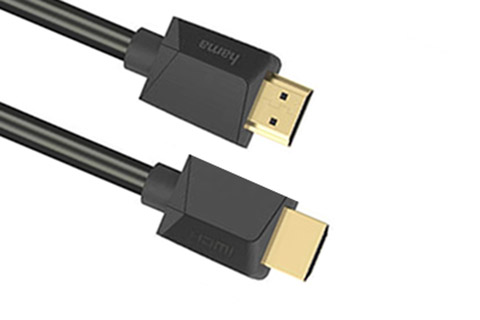
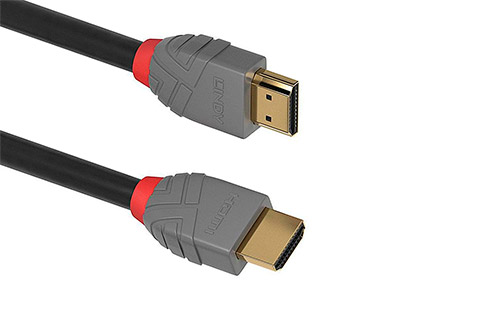
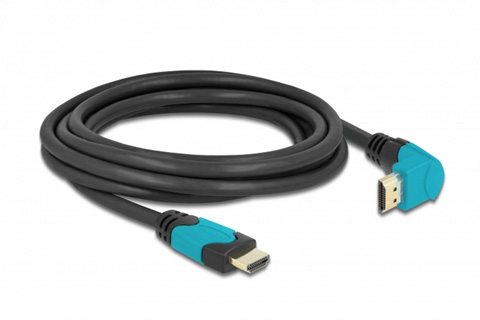
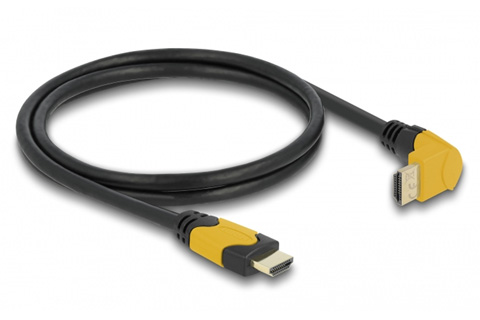
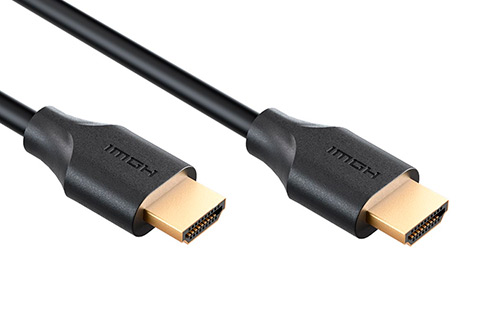
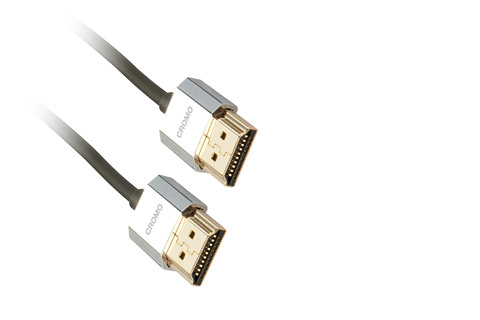
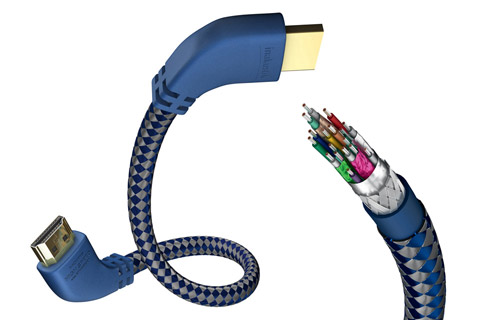
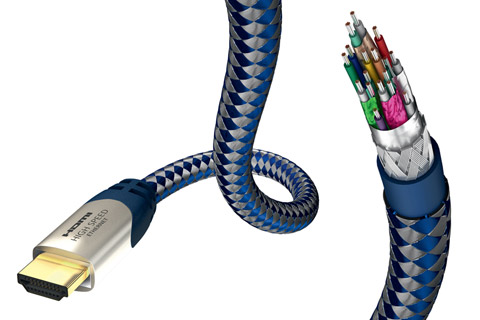
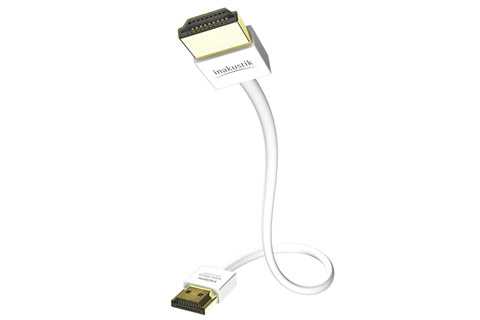
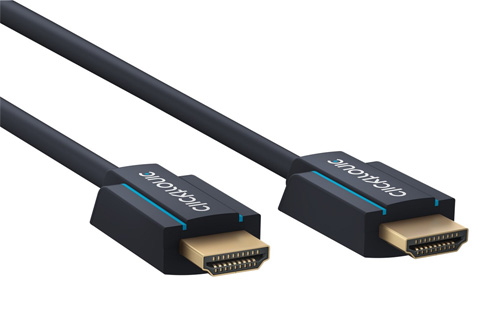
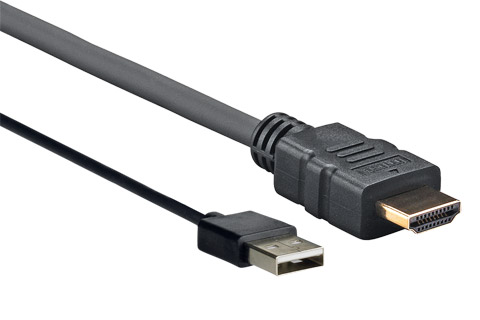
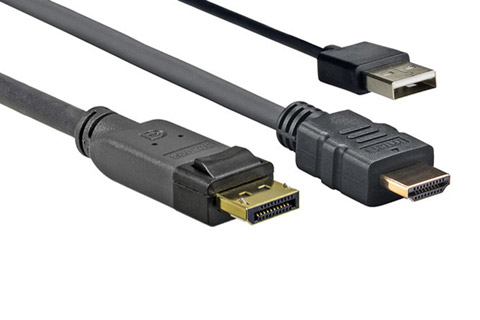
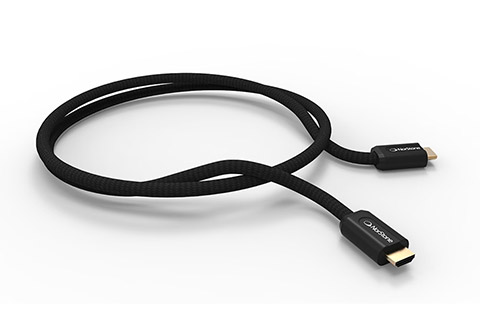
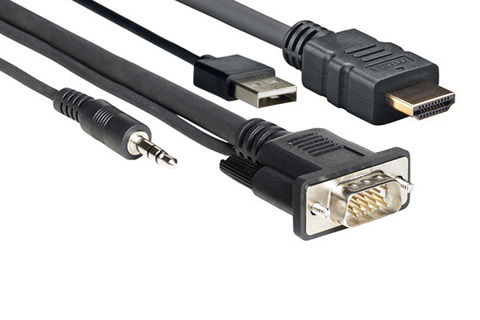
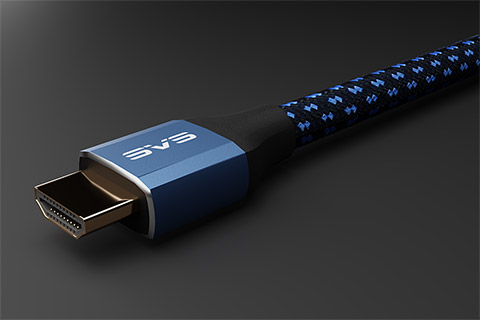
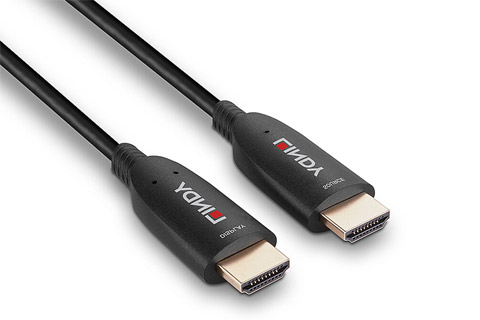
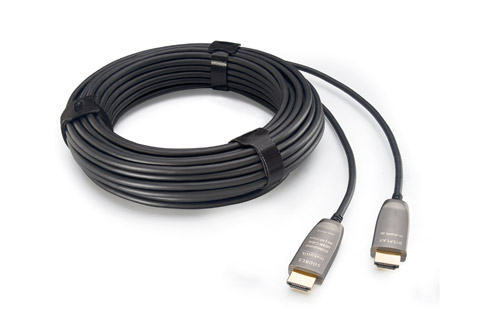
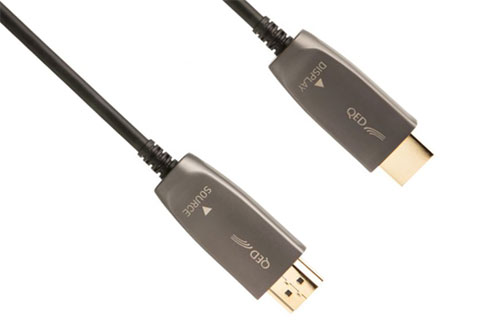
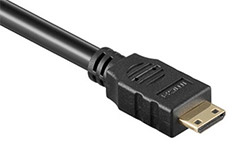
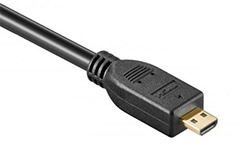
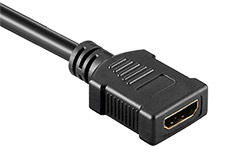
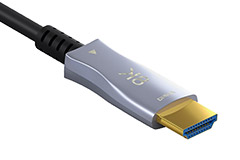
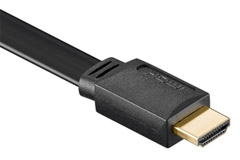
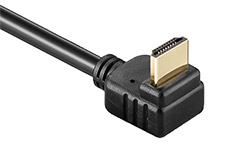
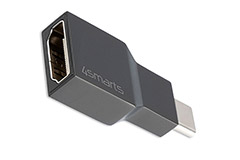
Huge selection of HDMI cables (Type A) in all lengths, quality and price ranges. The HDMI A cable is the most common HDMI cable and are used for AV equipment.
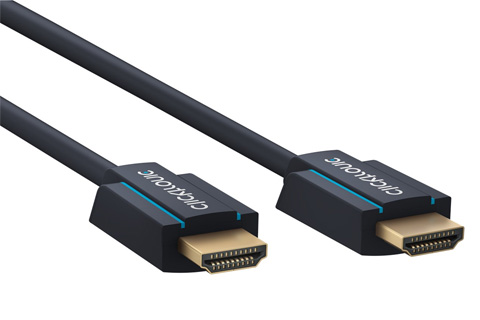
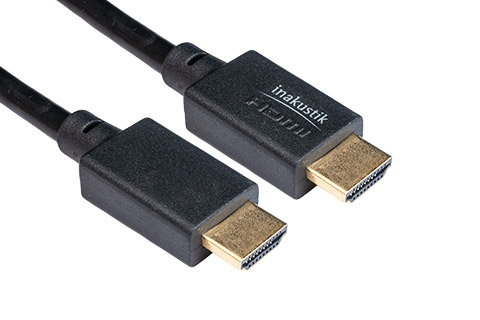
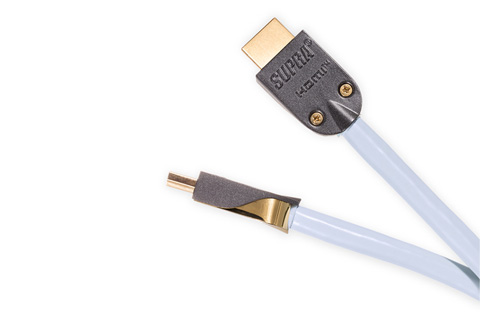
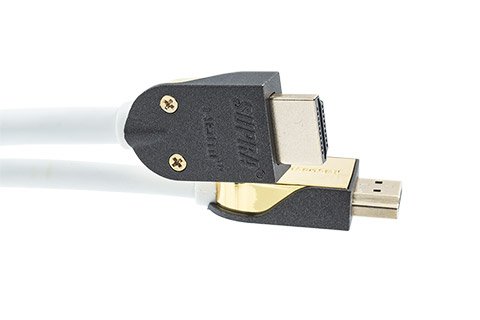
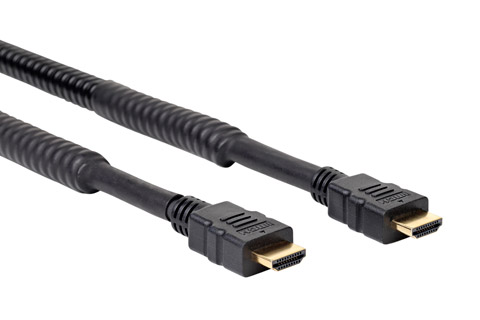
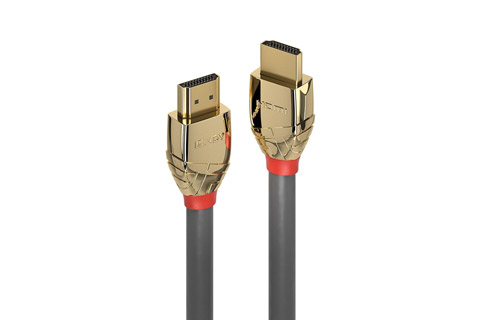
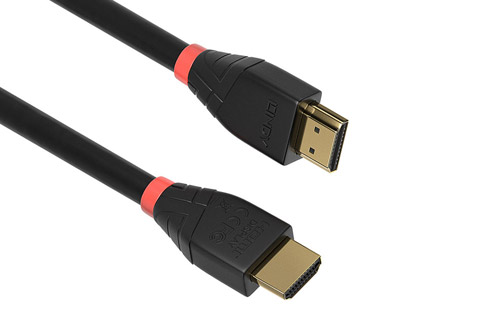
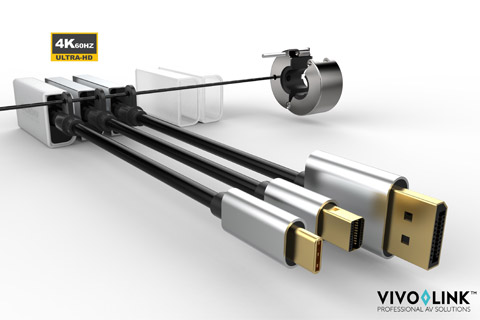
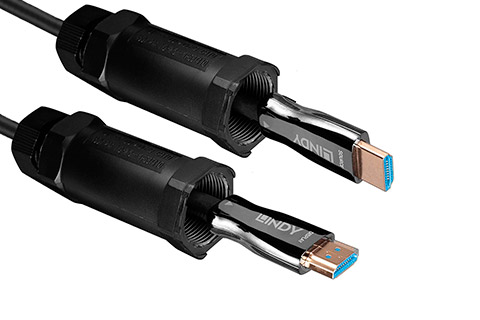
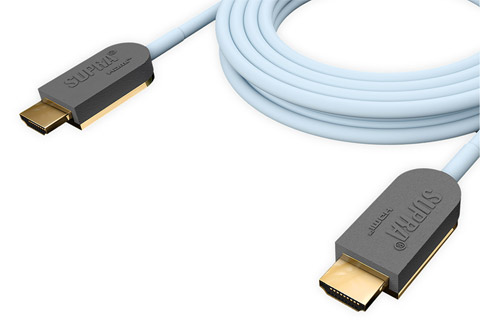
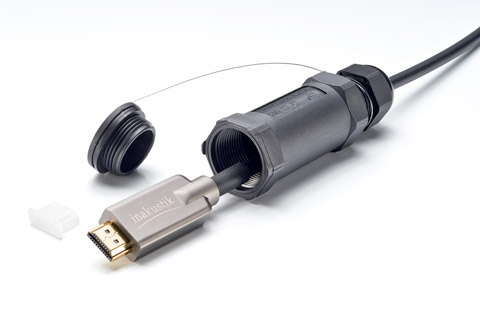
We carry a wide range of HDMI cables from the very cheap editions for simple needs, to high quality HDMI cables by ClickTronic, Lindy, Supra, Inakustik and Pro HDMI cables by Vivolink etc.
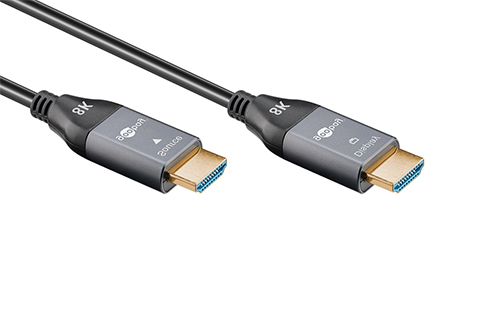
All HDMI cables are directly compatible with all current HDMI standards, although image/sound quality depends on the cable length, cable quality and noise conditions. Only for advanced equipment for 8K Ultra HD video, are the upcoming HDMI 2.1 cables required.
HDMI cables are generally classified into HDMI versions, but instead whether it is a Standard speed, High speed or Ultra High speed cable. Here you should remember that there is a difference in the quality of the cable, read more below.
Standard Speed ??HDMI (obsolete): The cable is intended for low-resolution and HD-ready signals and primarily for short lengths - i.e. ordinary cheap HDMI cables, of course in slightly different designs, connector quality, etc. Supports speeds up to 2.2 Gbps and is usually used for a maximum of 5 meters and 720p/1080i resolutions. This HDMI standard is obsolete and taken over by the newer ones below.
High-Speed HDMI: Cables for high resolutions in Full HD and 4K UHD. These HDMI cables support up to 10.2 Gbps, depending on the cable quality and length of the cable (read more below).
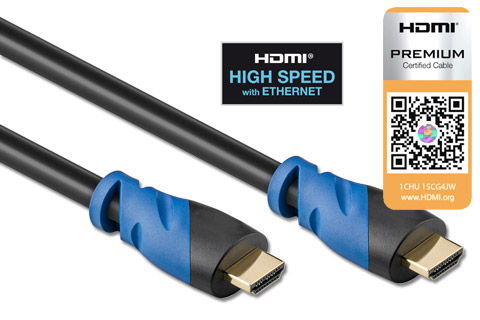
Premium High Speed HDMI Cable: Cables for 4K 60hz in the HDMI 2.0 standard and handle up to 18 Gbps. Suitable for most equipment, both consumer and professional equipment.
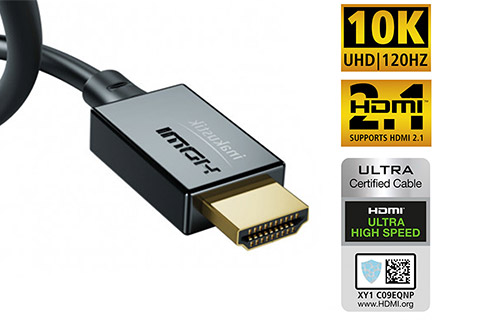
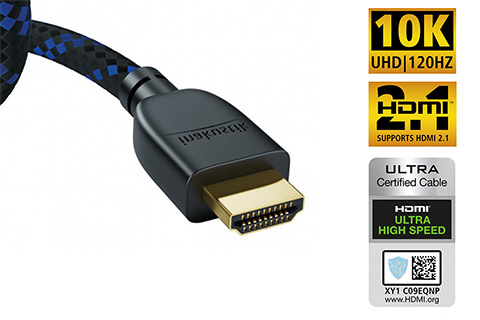
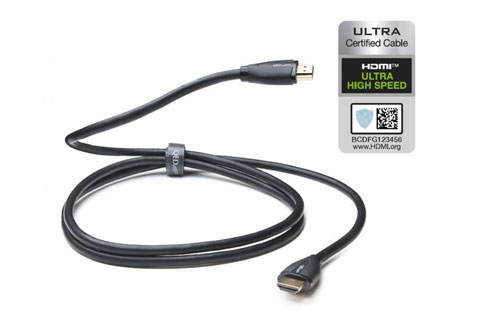
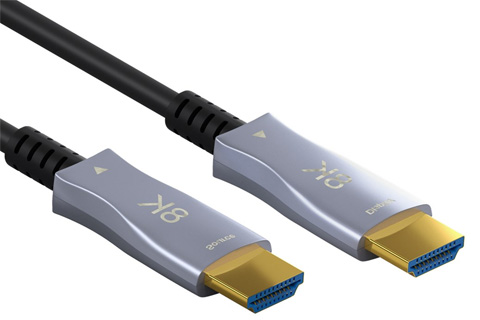
Ultra High Speed HDMI Cable: Cables for the HDMI 2.1 standard, which theoretically handles up to 48 Gpbs, and thus up to 4K, 5K, 8K and 10K resolutions at up to 120 Hz. Of course limited by cable length and quality.
If the HDMI cable is a version with Ethernet (network), this means that it can be used for network communication, e.g. internet through the devices instead of each device having to have a network cable.
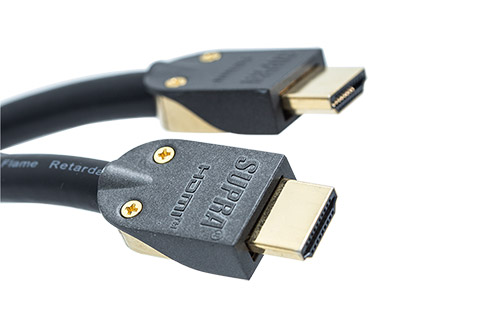
HDMI cable quality: The cable quality of an HDMI cable is very crucial, especially for longer cables, where it is important to choose a cable according to the task. When transferring low-resolution video signals (SD), you can usually make do with the cheap end of the HDMI cables, typically up to 5-10 meters, or with the better High-quality cables up to 20 meters. If you want to use Full HD or not least 4K material, you usually have to go up a bit in quality, such as the cables from Supra.
HDMI ARC - Audio Return Channel: HDMI Audio Return (ARC) is used to route the sound from the TV down to the amplifier/receiver using the same cable that sends the image (and sound) from the amplifier up to the flat screen. This way, you don't have to run an extra audio cable to the separate device, which makes installation simpler and easier to use. All types of HDMI cables support ARC, but it does require that both the TV and amplifier have HDMI 1.4 and that you use the HDMI input/output with the text ARC.
The newest form of digital audio transmission is called eARC (extended Audio Return Channel) and can also handle uncompressed HD audio signals such as Dolby Atmos and DTS Master Audio.
General information about HDMI cables: The HDMI cable is in practice the cable that replaces the old Scart and Component video cables. With the HDMI standard, you can transfer high-quality digital video and audio in one cable, not just stereo sound, but many digital audio channels. HDMI is backwards compatible with the DVI standard on the picture page and is used in all newer AV devices, such as game consoles, Blu-ray players, flat screens, etc. HDMI cables are also used to send digital control signals between devices, which allows them to communicate with each other (on-screen display, power on/off, remote control signals), which makes operation easier.
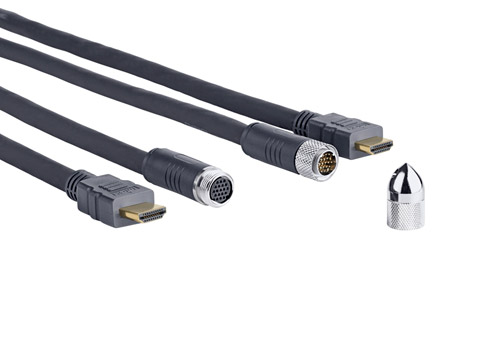
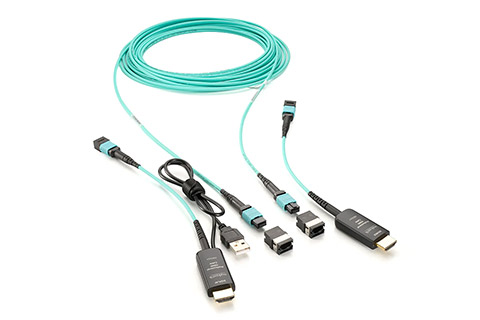
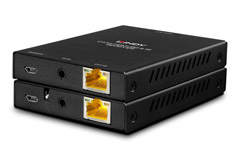
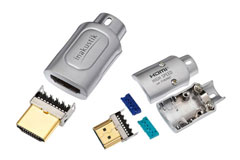
HDMI cables are usually produced with molded connectors, and due to the small connector pins and special cable elements, they can usually only be assembled at a certified factory. For this reason, it is unfortunately not possible to retrofit new HDMI connectors, e.g. for cable routing through empty pipes/flexible pipes, here you need up to 35-40 mm. pipes before it is possible to pull through with the connector on. However, there are either HDMI network extenders or a solution with a DVI adapter, see more at the bottom of this page.






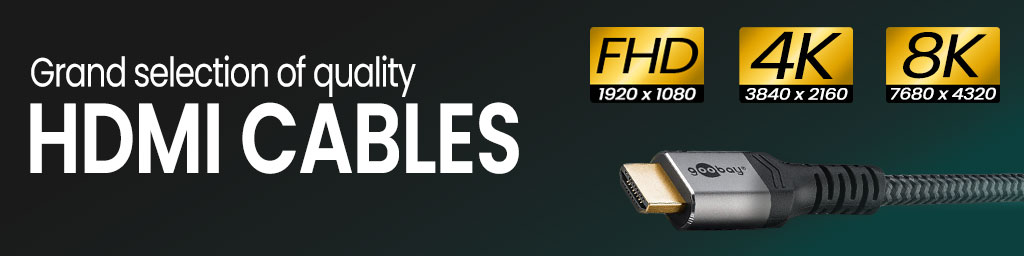

 High-Speed HDMI: Cables for high resolutions in Full HD and 4K UHD. These HDMI cables support up to 10.2 Gbps, depending on the cable quality and length of the cable (read more below).
 Premium High Speed HDMI Cable: Cables for 4K 60hz in the HDMI 2.0 standard and handle up to 18 Gbps. Suitable for most equipment, both consumer and professional equipment.
 Ultra High Speed HDMI Cable: Cables for the HDMI 2.1 standard, which theoretically handles up to 48 Gpbs, and thus up to 4K, 5K, 8K and 10K resolutions at up to 120 Hz. Of course limited by cable length and quality.
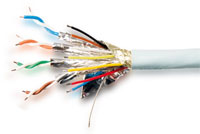 The cable quality of an HDMI cable is very crucial, especially for longer cables, where it is important to choose a cable according to the task. When transferring low-resolution video signals (SD), you can usually make do with the cheap end of the HDMI cables, typically up to 5-10 meters, or with the better High-quality cables up to 20 meters. If you want to use Full HD or not least 4K material, you usually have to go up a bit in quality, such as the cables from Supra.













































 HIFI STEREO