

 TURNTABLE AND ACCESSORIES
Turntable cleaning
TURNTABLE AND ACCESSORIES
Turntable cleaning
|
|||||||||||||
|
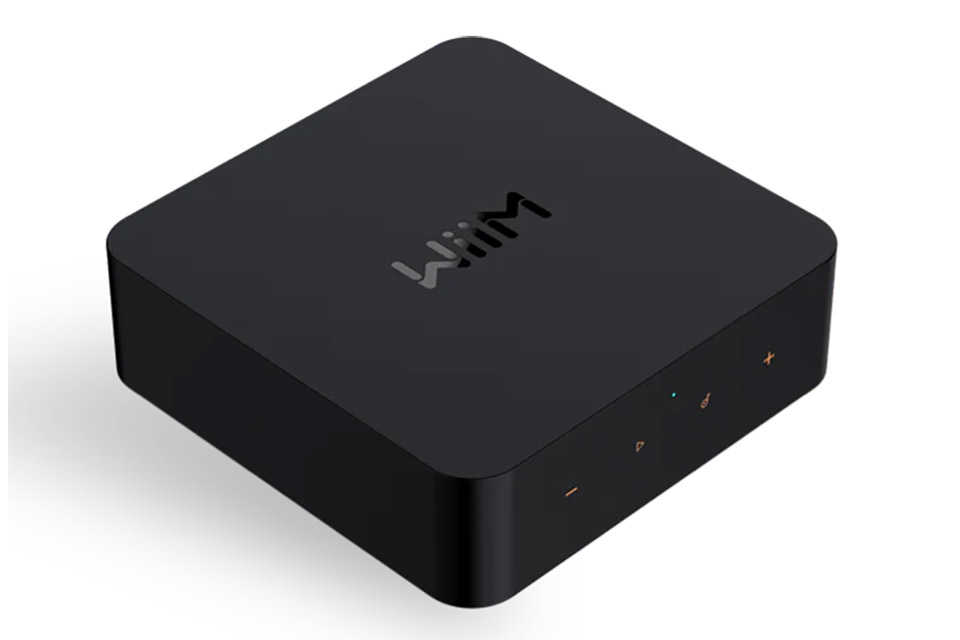
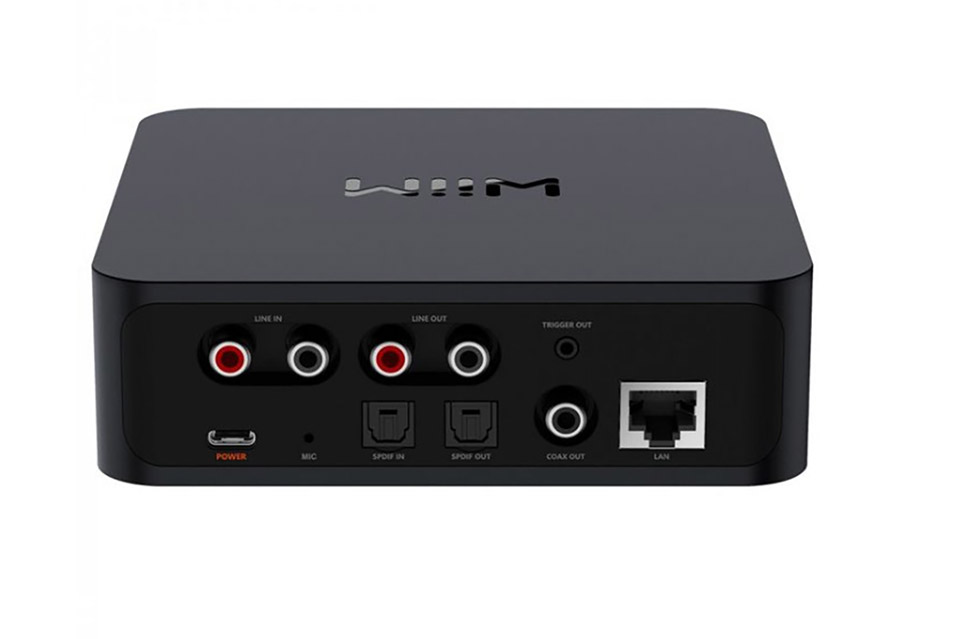
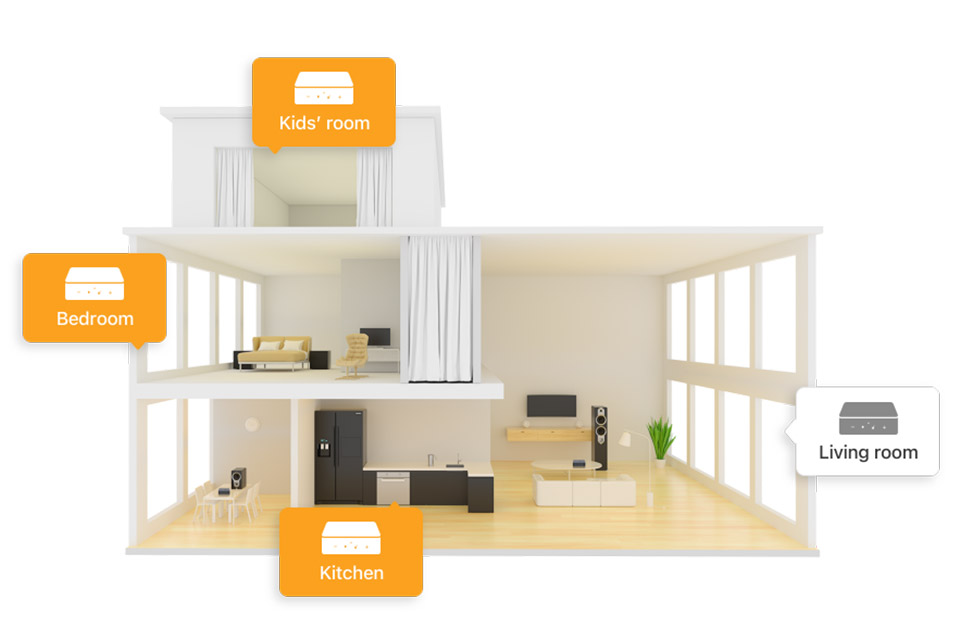
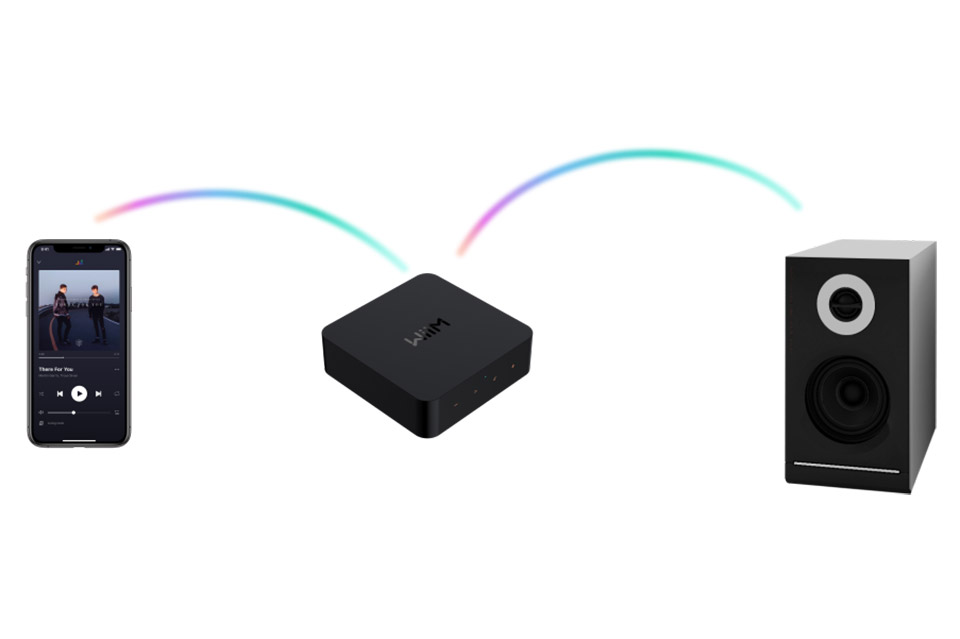
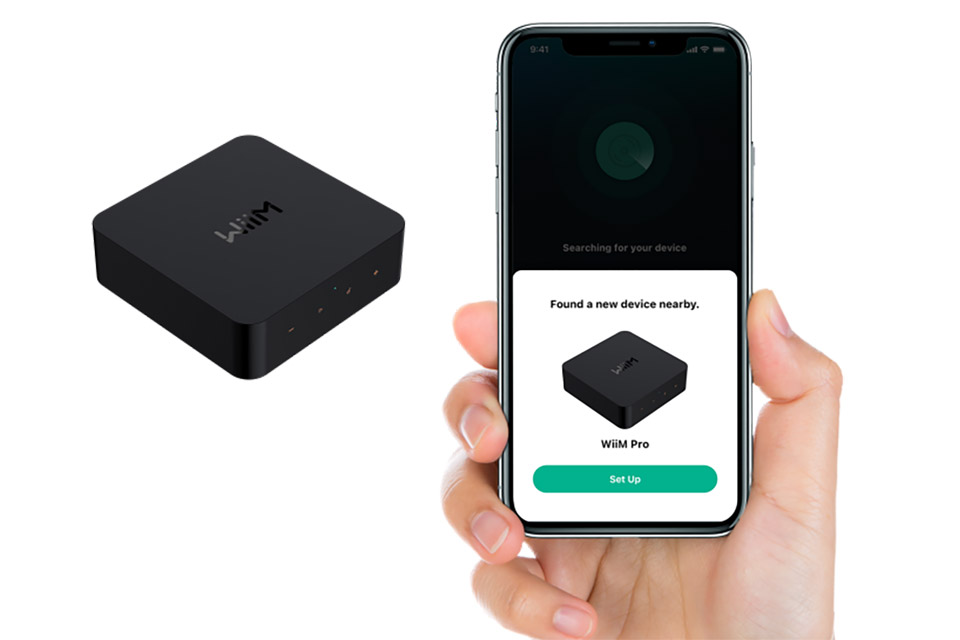
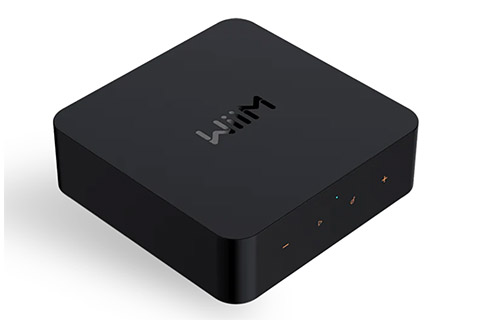
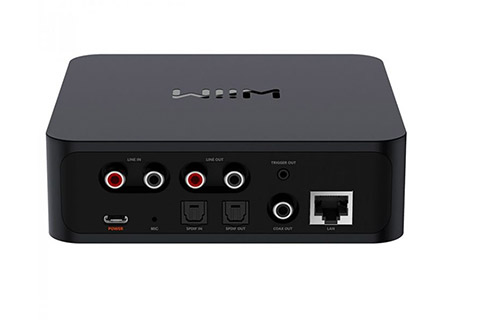
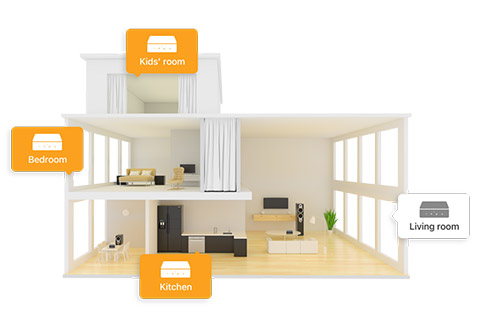
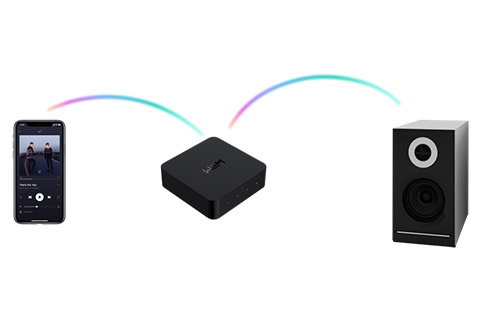
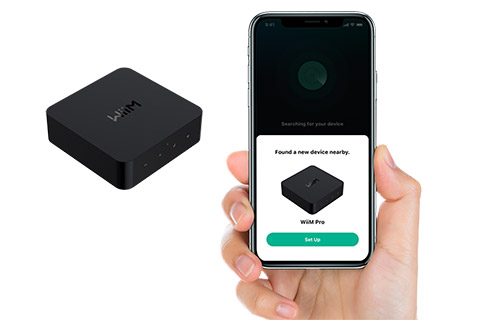
The Wiim Pro is ready to modernize any stereosystem, offering music streaming and multi-room capabilities thanks to AirPlay 2 and Google Chromecast. This streaming player can be connected with an analog or digital audio cable to a traditional stereo system, a pair of active speakers, or a surround receiver that is in need of an update with new streaming services. Wiim Pro also makes it possible to stream music through Bluetooth and it supports a wide range of streaming services, such as Spotify, Tidal, Deezer, and internet radio. Voice control with Amazon Alexa or Siri is also available. Multi-room functionality through the app. The streamer has its own multi-room feature if you use the the Wiim app. Here, you can group speakers and create left/right channels according to your needs and preferences. For larger multi-room installations, such as those with in-wall speakers and a central multi-channel amplifier, it's ideal to connect the Wiim streamer to each zone, similar to what you could do with a Chromecast Audio. This achieves a professional and cost-effective solution with individual sound throughout the house. Accessories included: • 3.5 minijack to 3.5 minijack cable • 3.5 minijack to RCA cable • Optical toslink cable • USB-A to USB-C cable (for power) Highlights: • Bluetooth 5.0 • AirPlay 2 • Google Chromecast • Music services: Internet radio, Spotify Connect, Tidal Connect, Deezer, Qobuz, Amazon Music, Apple Music, TuneIn, iHeartRadio, LinkPlay, Pandora, Napster • Outputs: 3.5mm MiniJack, Optical Toslink, Coaxial • Input: 3.5mm MiniJack, Optical Toslink • Power input: USB-C • Dimensions (WxDxH): 140 x 140 x 42 mm. • Weight: 330 grams. 













Product reviews and linksHere you can see how other customers have rated the item with character, and possibly made a review. Average rating (4,8):
 
– Of total 5 ratings
Simpelthen perfekt!
Super nem opsætning. God app. For at styre Tv-lyd via optisk kræves enter seperat fjernbetjeningen eller brug af app. hvilket er upraktisk.
Genial netværks afspiller. Super god lyd hvis man går coax digital ud af den. Lydkvaliteten kan ydeligere forbedres hvis man bruger en powerbank som strømkilde. Brugervenlig og App er helt i top og selv RoomCorrection har den indbygget- og det virker virkelig godt. Fik solgt min Node2i til fordel for denne.
Synes det fungerer som forventet og opsætning er nem.
super til prisen, jeg bruger dog begge to som udvidelse til min WiiM Amp Ultra, for at skabe 5.1 surround og ikke andet, det fungerer de fint til
Brand description - WiiM
WiiM Linkplay compared to SONOS:Many people know about SONOS, which is a speaker and multi-room system that offers user-friendly music playback throughout the home, both via the SONOS App and AirPlay. The Linkplay platform offers a similar functionality, but with extended options and compatibility for almost all Wi-Fi speakers. The WiiM can also be used to give passive speakers or older stereos a new "steaming life" with a simple little WiiM amplifier or all-in-one player, like the SONOS Amp and Port can. Similar to the SONOS app, WiiM Home App can be used for multi-room playback and control , but other companies also have LinkPlay Apps, which are of course also compatible with WiiM products.If you want to use services such as YouSee Music, Telmore Music or Apple Music directly within a combined multi-room App, you should choose a SONOS solution (e.g. with SONOS Amp / Port as player) instead of WiiM amplifier/player, as all these services are supported by SONOS App, where on a WiiM can only be streamed via AirPlay or ChromeCast (Chromecast requires minimum WiiM Pro). Playing music from a computer/NAS server - WiiM LinkPlay versus SONOS:WiiM Pro players access local music from via the DLNA protocol, which is, however, somewhat limited in terms of playlists and search ( unfortunately). If you want more functionality, the solution could be to use WiiM in a Roon solution , which is also a multi-room system with its own app. In a Roon system, the WiiM Pro player can be included 100% as Roon Ready Endpoint which is certified for music streaming in the highest quality and thereby used directly in the Roons App. Roon can both access streaming services, but also its own local music library, as SONOS can. Please note that Roon is not a free solution and requires Roon Core software on a computer or NAS server.SONOS has its own solution for playing your own music (MP3, etc.), from a computer or NAS server on the local network, and thus playlists can be made which can be played directly in the SONOS app. The speakers, player and amplifier from SONOS index the local music library, after setup via a PC and SONOS software. It is not known whether the solution will be supported in the long term or renewed, as it has a number of years behind it and has not been significantly renewed since the start. Manuals and user guides for WiiM productsUnfortunately, as manufacturers do not make manuals or guides in all languages, we cannot guarantee that a local language manual is included for the item. 








































   ALL PRICES ARE INCL. 25% DANISH VAT/TAXAV-Connection A/S • VAT no.: DK27907547 • Kaervej 71-73 • 6400 Soenderborg • Denmark • Tel. +45 7442 1078 • E-mail: [email protected] © Copyright AV-Connection A/S. All images and texts on the website are copyrighted and any copying without specific permission is prohibited. Copying and photographing of the website with sales in mind is prohibited under sections 1 and 2 of the Copyright Act. Parties who do not comply with this will be required to pay compensation and be prosecuted in accordance with section 38.
| |||||||||||||


 HIFI STEREO