
 HOME CINEMA LOUDSPEAKER
Architectural loudspeaker
Surround loudspeaker bundles
Surround system
Speaker mounts and stand
HOME CINEMA LOUDSPEAKER
Architectural loudspeaker
Surround loudspeaker bundles
Surround system
Speaker mounts and stand
|
|||||
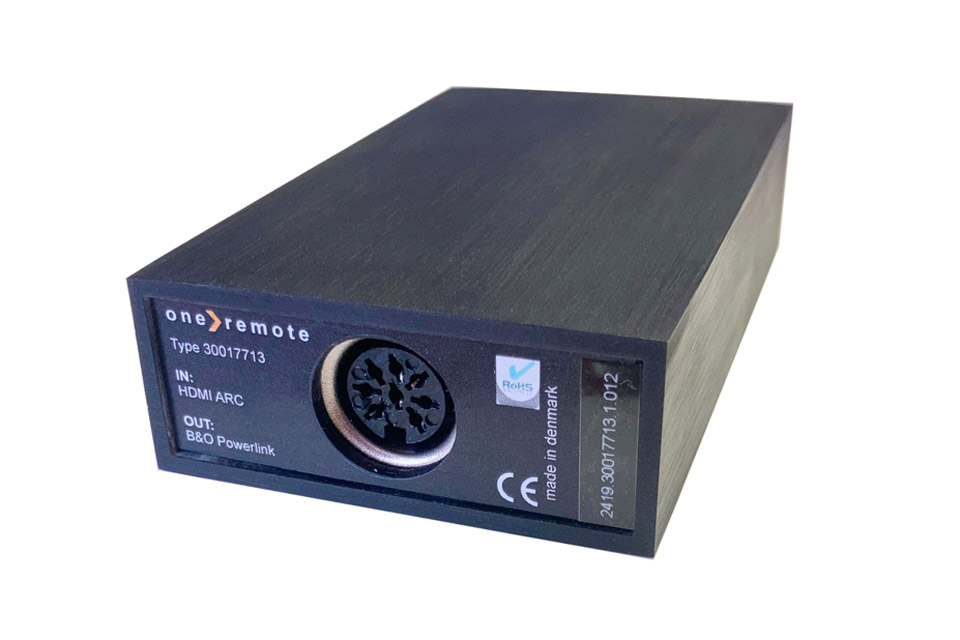
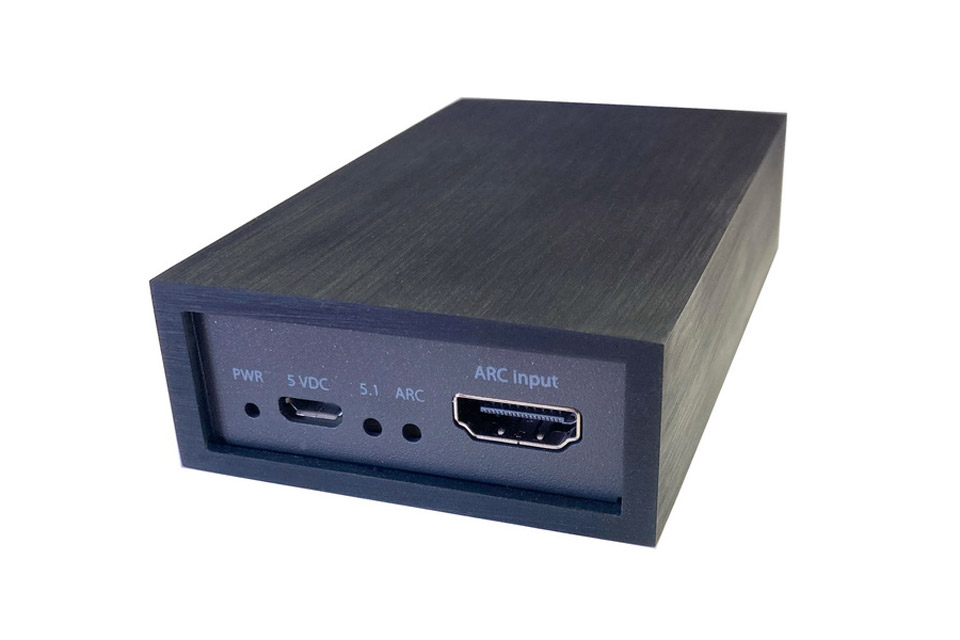
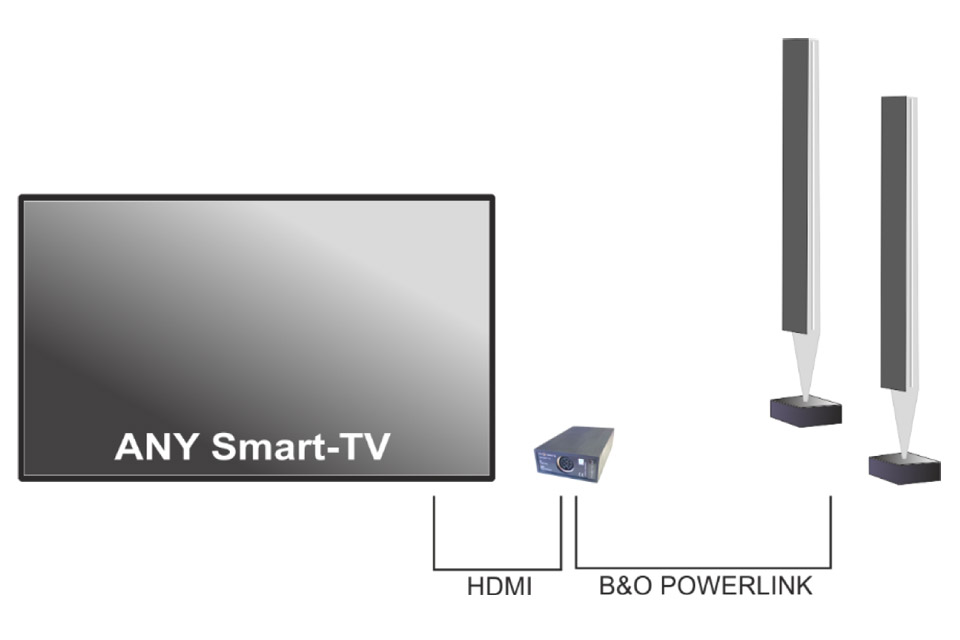
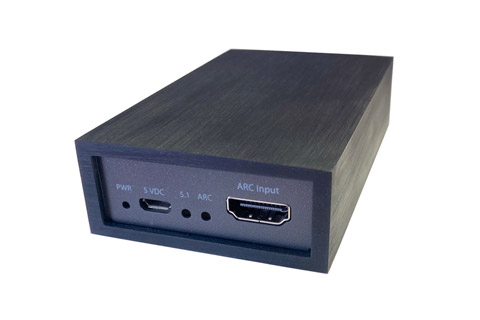
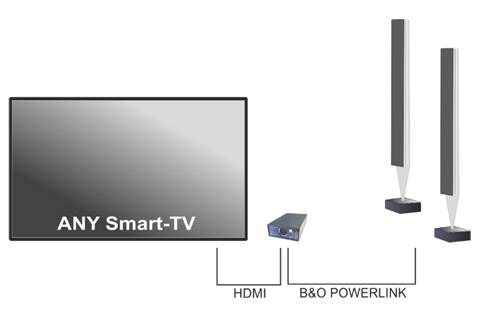
Connect B&O Speakers to Any Smart TV with HDMI ArcWith the Oneremote HDMI ARC to Powerlink, you can make your Bang & Olufsen speakers play sound from your TV via the HDMI ARC audio output • HDMI to ARC • Turn your Beolab speakers on and off • Adjust the volume with your TV’s remote control • Powered via USB cable • 8-pin Powerlink output for Beolab • Contact us for assistance with the correct connection for your setup The Right Connections Oneremote HDMI ARC to Powerlink comes with one Powerlink output carrying a stereo signal; left and right channels can be configured on the B&O speaker. How to Connect Your Speakers With Beolab 6000, 4000, Beolab 9, Beolab 20, Beolab 1, and Beolab Penta, for example, you can daisy-chain the Powerlink cables from one speaker to the next using 3 Powerlink cables. If you have a Beolab 2 or Beolab 11 subwoofer, you can loop the Powerlink signal through it. With Beolab 8000, Beolab 8002, and Beolab 3, you need a Powerlink splitter and two Powerlink cables, one for each speaker. Tips and Tricks This box requires power via USB, and a USB cable is included that can be connected to your TV’s USB port for power. Alternatively, you can purchase a USB power source. In some cases, your TV must be set to PCM audio for the sound to work properly. Included in the Box: • 25cm HDMI cable • USB power cable • User guide • 30017713 HDMI ARC to Powerlink box Dimensions: • 10,2 x 6 x 2,7cm Product reviews and linksHere you can see how other customers have rated the item with character, and possibly made a review. Average rating (5,0):

– Of total 2 ratings
Den fysiske boks indeholder to huller med markeringen L og R, der ikke er skrevet om i vejledningen. Savner input om disse felter i vejledningen, især fordi ved første tislutning virkede kun venstre kanal. Med en lille skruetrækker kunne vi få højre kanal til at fungere, ved at skrue i hullet R...
|


































AV-Connection A/S • VAT no.: DK27907547 • Kaervej 71-73 • 6400 Soenderborg • Denmark • Tel. +45 7442 1078 • E-mail: [email protected]


 HIFI STEREO